
A reservation is not much help if it is buried in an email thread when you need the address. Travel planning often produces a scattered collection of messages, screenshots, saved places and booking documents. Turning that material into a small offline information pack makes everyday travel easier, especially when you are tired, changing transport or navigating an unfamiliar neighborhood. The aim is not to document every possible situation. It is to keep the next useful detail close at hand, without making a second planning project out of organizing the first.
Start with the moments when you will need information
Build your pack around travel tasks rather than the order in which you made bookings. Think through leaving home, reaching your accommodation, moving between destinations and attending anything reserved. For each task, ask what you would need if your inbox and mobile connection were unavailable. This usually produces a shorter, more useful list than downloading every message.
For a simple city break, that might mean your transport documents, accommodation address, arrival instructions, a neighborhood map and two activity confirmations. A multi-stop journey may also need a transfer summary and separate accommodation details for each stop. Keep destination inspiration elsewhere so that restaurant ideas and sightseeing wish lists do not obscure essential instructions.
Create one short trip overview
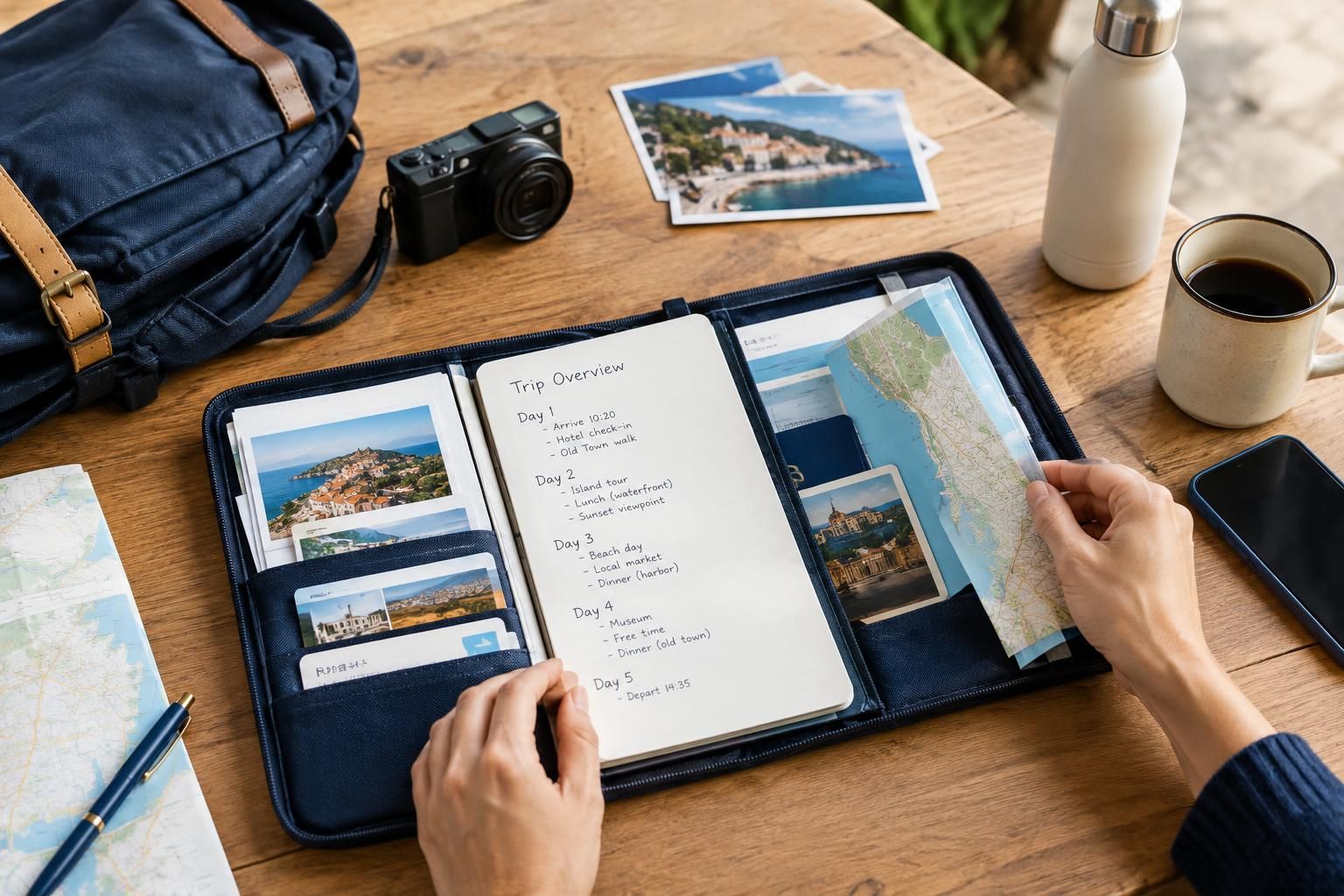
Make a single overview note that acts as the front page of your trip. Include dates, overnight locations, booked transport and the names of any fixed activities. Use full calendar dates rather than labels such as “next Friday.” Where time zones differ, label which local time applies instead of leaving yourself to interpret it later.
Keep each day to a few lines. An entry could read: “12 October: travel to the second base; stay at Riverside Apartment; arrival instructions in the accommodation folder.” This overview should point toward detailed documents, not reproduce them. Its main job is to answer three questions quickly: where am I going, where am I sleeping and what is already committed?
Separate usable documents from reference screenshots
Save original booking documents where available, with filenames that explain their purpose. “12 October — train to second base” is easier to recognize than a string of letters and numbers. Organize by destination or date, whichever matches the structure of your trip, and use the same approach throughout.
Treat screenshots as a supplement rather than a universal replacement. They can be useful for addresses, meeting-point descriptions and short instructions, but may omit important conditions or fail to serve as a valid ticket. Some tickets require a particular format or an active app. Check the provider’s instructions, and distinguish between documents you can actually use and images that merely remind you what you booked.
Save the final approach, not just the destination
An accommodation name alone may not help you identify the right entrance. Save the street address, the property name as shown on the reservation and any supplied access instructions. Where useful, retain the address in the local script as well as the version you recognize. For workshops or tours, note whether the meeting point differs from the attraction itself.
For unfamiliar arrivals, keep a simple description of the last part of the journey: the relevant station exit, a nearby landmark or the entrance location supplied by the host. Download a suitable area map if your chosen mapping tool supports it. Offline coverage and functions vary, so check what is available rather than assuming saved places include usable maps or directions.
Make shared information clear without copying everything
If you are traveling with someone else, agree on one main overview and who maintains it. Otherwise, a revised departure time can end up in one person’s notes while everyone else follows an older screenshot. Mark the overview with a simple update date, and remove superseded versions from the folder you use during the trip.
Share what each traveler needs for independent movement, such as the accommodation address, the day’s meeting point and relevant reservations. Do not assume everyone can open a document stored in one person’s account. At the same time, avoid placing unnecessary personal information in widely shared folders. A group itinerary rarely needs payment details or copies of identity documents.
Test offline access and keep the system small
Before departure, temporarily disconnect your device and try opening the overview, essential files and saved maps. A visible filename or thumbnail does not always mean the full content is stored locally. Check that text is readable and that useful details are not hidden behind a sign-in screen. If a service requires connectivity, plan around that limitation rather than assuming it will work offline.
Consider a compact paper summary for information you would still want if your phone were unavailable: your first accommodation address, onward journey outline and key reservation references. Leave sensitive extras out unless genuinely needed. During the trip, spend a minute after each move archiving completed journeys and bringing the next stop to the top. The best system is one you can understand at a glance.
A useful offline travel pack is deliberately selective. Keep one clear overview, readable booking documents and the details needed to reach each place. Test access before leaving, make shared versions unambiguous and keep the next step easy to find. That small amount of organization leaves less time spent searching through messages and more attention available for the journey.
AI-assisted evergreen travel guide. Featured image is an AI-generated illustration, not a specific product or booking.