
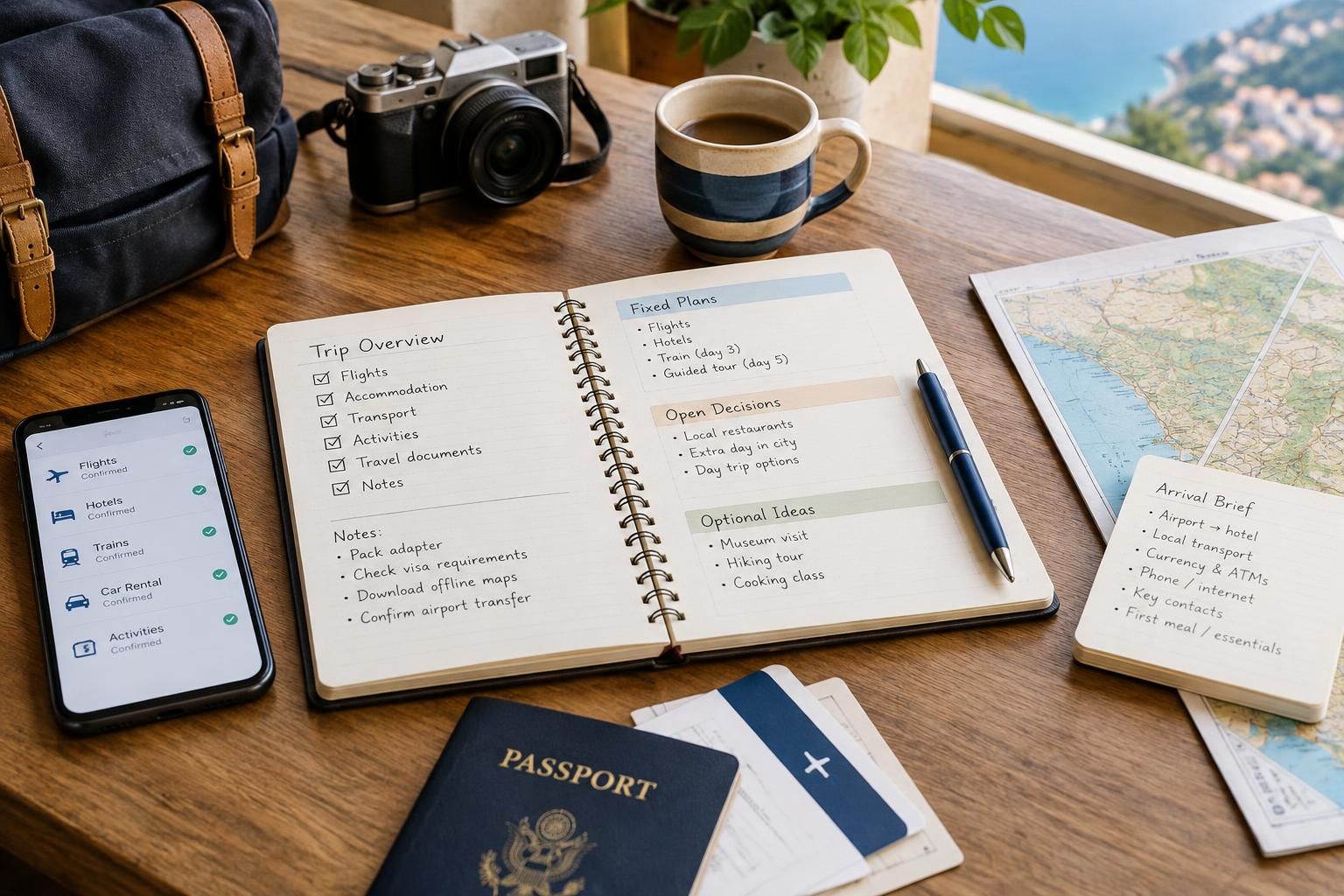
A trip can generate dozens of small pieces of information: accommodation confirmations, transport tickets, arrival instructions, restaurant ideas and reminders about what still needs booking. When these live across emails, screenshots and scattered notes, even a straightforward journey becomes harder to manage. The solution is not a more elaborate itinerary. It is a small, consistent system that separates confirmed plans from possibilities and keeps essential details easy to retrieve. Whether you prefer paper, digital tools or a mixture of both, the same basic structure works for a weekend away or a longer, multi-stop holiday.
Give every trip one clear home
Choose one main place to organize the trip: a digital folder, a notebook or a simple document with supporting files. Use a recognizable name, such as “Portugal — September — 10 days,” rather than a vague label like “Holiday stuff.” If you travel regularly, include the year so similarly named trips remain easy to distinguish.
Within that home, create a few broad categories: overview, bookings, documents and ideas. Avoid building so many subfolders that filing a confirmation becomes a chore. A short city break might need only one overview note and a bookings folder; a longer journey may benefit from separate folders for each destination. The goal is to know where something belongs without having to think about it.
Turn confirmations into a usable booking register
Keep a compact list of every confirmed reservation. For each entry, record the service, relevant date, local time where applicable, location, booking reference and where the full confirmation is stored. Add payment status and any cancellation or change deadline stated in your booking terms. Copy these details carefully rather than relying on memory.
Use the register as an index, not a replacement for tickets or confirmation documents. A train reservation, for example, might require a separate ticket file, while an accommodation email may contain important arrival instructions. Name saved files consistently, such as “09-14 — Train — City A to City B,” using a date format you can recognize easily. Keep original confirmations as well as your summary, and follow the provider’s instructions about which document is needed.
Separate fixed plans, open decisions and optional ideas
Give each planning note a clear status: confirmed, to decide or optional. This prevents a saved hotel suggestion from looking like a reservation and keeps an interesting excursion from quietly becoming a commitment. For open decisions, add a next action, such as “compare arrival locations” or “check whether luggage storage is available.”
Keep optional ideas in a short destination list rather than inserting everything into the daily schedule. Group possibilities by neighborhood or by practical use: rainy-day activities, easy evening meals or places near the station. Add one sentence explaining why each idea appeals to you. A note such as “small museum near the accommodation; useful for a quiet afternoon” is more helpful later than an unexplained name.
Create an arrival brief for each stop
Arrival is often when information matters most and patience is shortest. Prepare a compact brief containing the accommodation name and address, the expected arrival point, check-in instructions from the provider and your intended onward connection. Keep the address in the local language when available, alongside a version you understand.
Add only the details needed to bridge the gap between arrival and settling in. These might include the station exit mentioned in your route notes, where you expect to collect a rental vehicle or what to do if you arrive before check-in. Treat travel-time estimates as estimates, and leave room for delays. If access instructions or arrangements change, update this brief so it does not conflict with an older email.
Make essential information accessible without a connection
Before departure, download the files you may need in transit and check that they open without internet access. Saving a link is not the same as saving the document. Useful offline items may include tickets, booking confirmations, addresses and a short itinerary overview. Where practical, keep a small paper backup of essential arrival details separately from your phone.
Balance convenience with privacy. Use device security, limit access to shared folders and avoid putting payment-card details or identity-document images into a general trip note. If you retain sensitive documents digitally, use protected storage rather than an openly shared itinerary. Share only what each companion needs; someone meeting you for dinner usually does not need access to your entire booking archive.
Use a brief review routine before and during the trip
Set aside a few minutes after each booking to save the confirmation, update the register and record any next step. Before departure, check dates, traveler names, departure and arrival locations, payment status and any instructions you have received. Pay particular attention to journeys crossing time zones or midnight, since those can make an otherwise tidy plan confusing.
During the trip, review the next day’s essentials rather than repeatedly reorganizing the whole holiday. Move completed items out of the active view, note changes promptly and keep spontaneous discoveries in a separate running note. After returning, retain useful records and remove sensitive material you no longer need. Save reusable lessons, such as “allow an unplanned afternoon after a long transfer,” for the next trip.
A useful travel system should take less effort to maintain than it saves. Start with one trip home, one booking register and a concise arrival brief, then add structure only when the journey calls for it. With confirmed plans clearly separated from possibilities and essential details available offline, you can spend less time searching through messages and more time enjoying where you are.
AI-assisted evergreen travel guide. Featured image is an AI-generated illustration, not a specific product or booking.