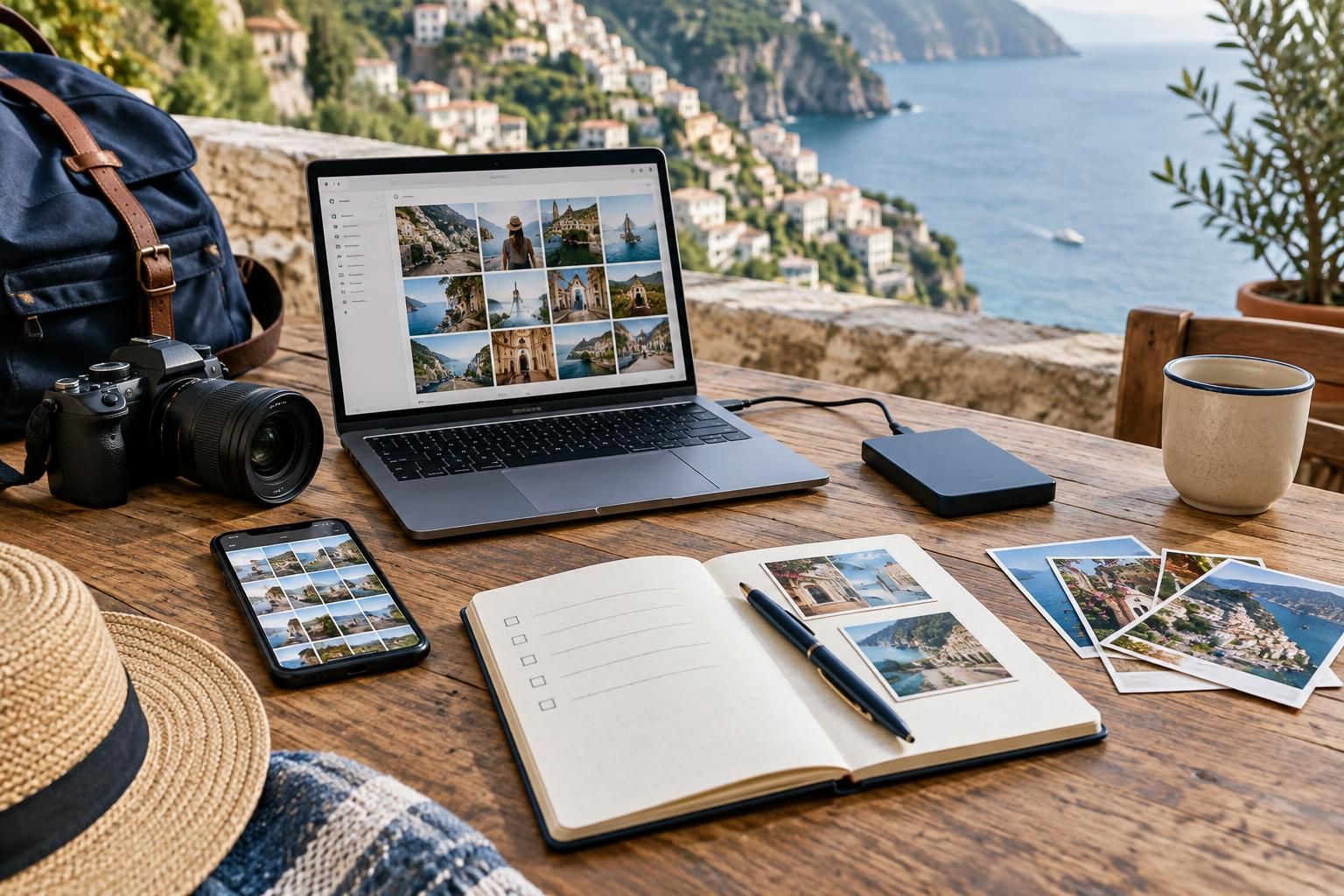
Travel photos can become an unexpected chore: hundreds of similar views, screenshots mixed with portraits and evenings spent choosing images instead of enjoying the destination. The answer is not necessarily to take fewer photographs, but to give them a simple system. A little preparation and a short, repeatable routine can keep your collection manageable without turning your holiday into an editing project. Whether you use a phone, a camera or both, plan around three goals: capture what matters, keep copies and make the pictures easy to enjoy later.
Decide what you want your photos to do
Before departure, choose a main purpose for your pictures. A small printed album needs a different approach from a detailed record of a walking route or a collection to share with relatives. You can have several goals, but naming one priority helps you avoid photographing everything simply because it is there.
Create a loose list of subjects rather than a rigid shot schedule. For a coastal holiday, that might mean one wide landscape, a few everyday details, the accommodation and the people traveling with you. Include ordinary moments, such as breakfast on a balcony or waiting for a ferry. These can give a trip more character than another nearly identical landmark view.
Prepare storage and a straightforward backup method
Check available space before leaving, especially if you expect to record video. Move older files elsewhere only after confirming that the copies open correctly. If you use a separate camera, make sure you have a compatible way to transfer its images. A cable or card reader is useful only if it works with the device you are taking.
Choose a backup routine you understand. Depending on your equipment, this could mean copying files to a laptop, an external drive or an online storage service when a suitable connection is available. Keep another copy before clearing originals. Remember that synchronization is not always an independent backup: deleting an image in one place may also remove it from connected devices or accounts.
Separate memories from practical reference pictures
Travel creates plenty of useful images that are not really holiday photographs: a parking location, a luggage label, a map or a restaurant name. Put these in a separate reference album where your device allows it. This makes them easier to retrieve while keeping your main photo collection focused on the trip itself.
Use a simple naming system for transferred files, such as the trip year and destination, with subfolders for major stops. Avoid building a complicated folder tree that you will not maintain. If you use multiple cameras, check their date and time settings before departure so their photographs are easier to place in sequence afterward.
Capture a small story instead of endless variations
At a place you want to remember, try taking a wide view, a closer detail and a picture that includes your travel companions, if they want to be photographed. This gives you variety without requiring dozens of versions of the same scene. Take a moment to check the result, then put the device away rather than repeatedly reviewing it.
For experiences where you want to be fully present, choose a natural stopping point for photography. You might take a few pictures before a meal or at the start of a scenic walk. Follow venue photography guidance and respect requests not to be photographed. Ask before sharing identifiable pictures of companions, especially when your audience extends beyond the travel group.
Use a short review routine, not a nightly editing session
Set aside a brief window every few days, perhaps during a quiet train journey or a relaxed afternoon. Mark favorites and remove only obvious mistakes, such as accidental pocket pictures. Save difficult choices between similar photographs for home. The aim is to make later sorting easier, not to finish an album while you are still traveling.
Keep editing optional. A quick crop may be worthwhile, but adjusting every picture can consume time you intended to spend elsewhere. If several people are contributing photographs, agree on one shared collection and ask each person to add selected favorites. This is usually easier to browse than a stream of every image taken by the group.
Give the collection a manageable finish after returning
Choose a modest end product: a short slideshow, a small album or a folder of highlights. Start with the pictures you marked during the trip, then add any missing people, places or transitions. A clear selection often tells the story better than a complete chronological record containing every meal and viewpoint.
Keep practical cleanup separate from creative work. First confirm that your files are copied and organized; then choose what to share or print. Remove reference images you no longer need, particularly those containing personal information. If enthusiasm fades, finish a small highlights collection rather than leaving an ambitious project untouched. You can always expand it later.
A useful travel-photo system should take attention away from file management and give it back to the journey. Prepare storage, keep reference images separate, mark a few favorites and leave detailed editing for later. You will return with a collection that is easier to navigate, while still having spent most of the trip looking at the place rather than its picture.
AI-assisted evergreen travel guide. Featured image is an AI-generated illustration, not a specific product or booking.